IPTV vs Cable TV 2026: Why Millions Are Switching
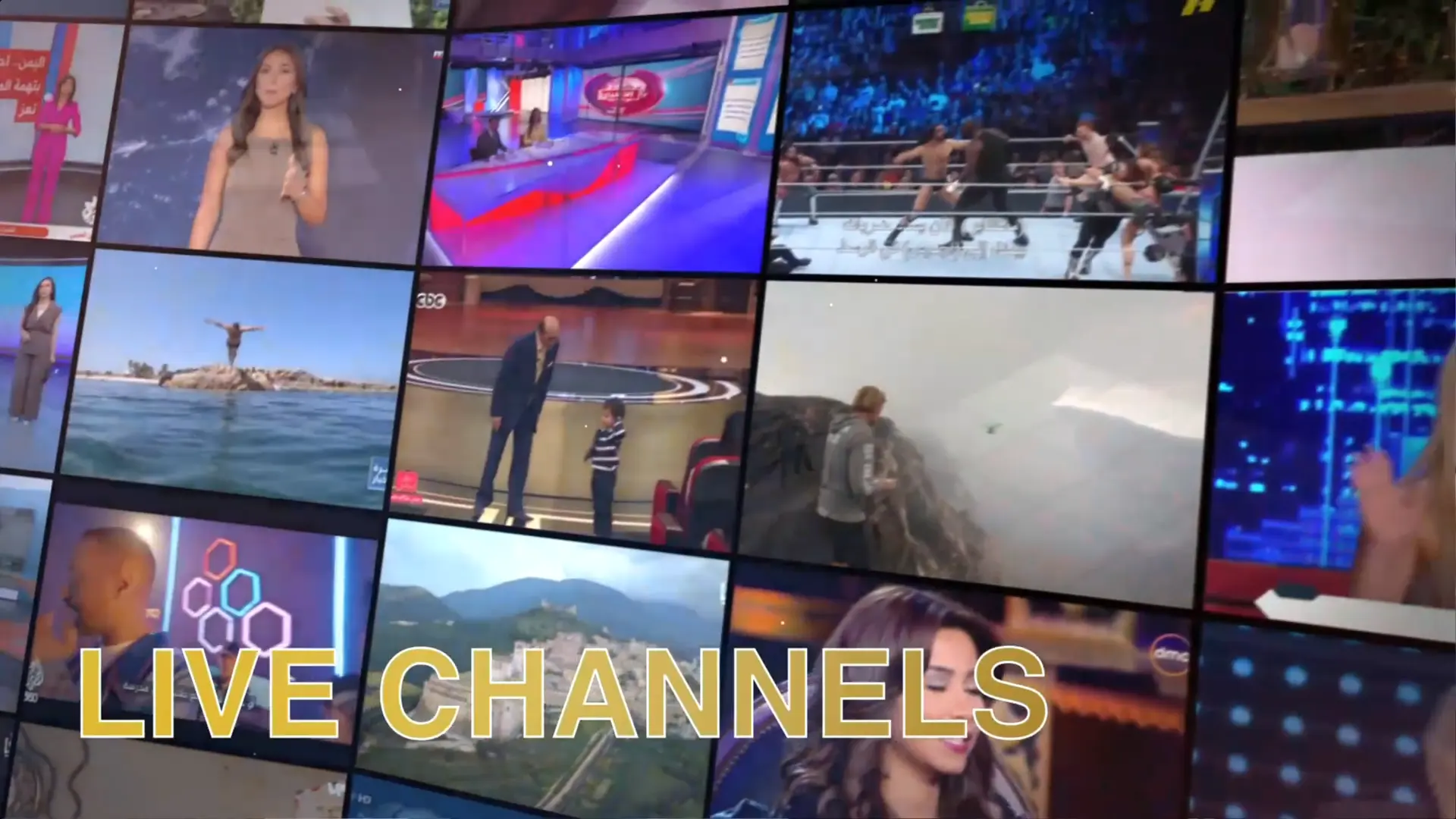
Television has changed significantly over the last decade. Many households once depended on a fixed cable or satellite box connected to the main television. Today, viewers are more likely to watch through Smart TVs, Firestick devices, Android TV, mobile phones, tablets and computers.
This shift has made IPTV one of the most discussed alternatives to traditional cable television. IPTV uses an internet connection to deliver television and video through compatible applications, while cable TV normally relies on dedicated provider infrastructure and equipment.
The decision is not simply about which option has more channels. Cost, internet stability, device flexibility, installation, picture quality, customer support and everyday convenience all matter. This guide compares IPTV and cable TV in 2026 from a practical point of view for viewers in the UK and Ireland.
What Is IPTV?
IPTV stands for Internet Protocol Television. It delivers television and video through an internet connection instead of using a traditional cable line or satellite signal.
Viewers normally install a compatible app on a Smart TV, Firestick, Android TV device, mobile phone, tablet or computer. The app then loads authorised account details or a playlist supplied by the service.
IPTV is flexible because the same technology can work across several types of devices. It also allows providers to offer live streams, on-demand video, programme guides, favourites and search tools through one interface.
The quality of the experience depends on several parts working together:
- The IPTV service.
- The player application.
- The streaming device.
- The home internet connection.
- The router and Wi-Fi signal.
- The number of simultaneous streams.
Try EasyFlixTV Free for 24 Hours First
Before choosing a plan, you can test EasyFlixTV on your Smart TV, Firestick, Android box, X96, phone or tablet. Check the channels, streaming quality and setup first, then continue only if it works well for you.
What Is Cable TV?
Cable TV is a traditional television system delivered through a provider-managed network. The customer usually receives a set-top box, remote control and package of channels.
The provider controls most of the delivery process, including the equipment, television guide, channel package and customer support.
Cable TV can feel straightforward because the user does not normally need to choose a player app or manage playlist settings. Once the equipment is installed, the service works through a familiar television interface.
The main limitations are often fixed packages, dedicated hardware, installation requirements and less flexibility across different devices.
IPTV vs Cable TV: Quick Comparison
| Feature | IPTV | Cable TV |
|---|---|---|
| Delivery method | Internet connection | Provider cable infrastructure |
| Devices | Smart TV, Firestick, Android TV, mobile, tablet and computer | Mainly provider box and connected television |
| Installation | Usually app-based | May require provider equipment or installation |
| Internet dependence | High | Lower for traditional live channels |
| Portability | Can work on several supported devices | Often linked to provider hardware and home connection |
| Customisation | Apps, favourites, categories and profiles | Provider-controlled interface |
| Troubleshooting | May involve app, device, router and internet checks | More provider-managed |
Why Viewers Are Moving Away From Cable
The main reason viewers are changing is flexibility. Traditional cable TV was designed around one television, one box and one fixed package. Modern households use several screens and expect content to work across different devices.
IPTV fits this behaviour because the viewing experience is app-based. A user may watch on the living-room television, use a tablet in another room or open a supported app while travelling.
Viewers are also becoming more comfortable with streaming interfaces. Favourites, search, categories and on-demand sections are now familiar features rather than technical extras.
Cost Comparison
Cost is one of the most important reasons people compare IPTV and cable TV. Cable plans may include equipment rental, installation, premium packages and longer contracts.
IPTV can offer simpler subscription periods and may not require dedicated provider hardware. However, users should also consider additional costs such as:
- Internet service.
- Firestick or Android TV hardware.
- IPTV player activation or licence.
- Extra simultaneous connections.
- Optional VPN service.
Compare the full cost
Do not compare only the advertised monthly price. Include the cost of internet, equipment, app licences, connection limits and any renewal fees.
A lower price does not automatically mean better value. Stability, support, device compatibility and lawful access matter more than a large list of promotional claims.
Installation and Setup
IPTV setup
IPTV setup usually involves choosing a device, installing a compatible player and entering valid account details.
The setup can be completed quickly when the app and device are compatible. Problems can happen when the user installs the wrong player, enters details incorrectly or uses a television that no longer supports modern apps.
Read our Best Apps for IPTV Streaming in 2026 comparison before choosing a player.
Cable TV setup
Cable TV may require provider equipment and, in some cases, professional installation. Once installed, the system is normally ready to use without additional app configuration.
The advantage is simplicity. The disadvantage is that the customer depends more heavily on the provider's equipment and schedule.
Device Flexibility
Device flexibility is one of IPTV's strongest advantages. A compatible service may work on:
- Samsung and LG Smart TVs.
- Android TV and Google TV.
- Amazon Firestick.
- Android boxes.
- iPhone, iPad and Android mobile devices.
- Windows and Mac computers.
Cable TV is generally centred around a set-top box connected to the television. Some providers offer additional mobile apps, but the main experience remains linked to their hardware and account system.
Important connection rule
Installing an IPTV account on several devices does not automatically mean all devices may stream simultaneously. Check the permitted number of active connections.
Internet Requirements
IPTV depends on the home internet connection. This gives it flexibility, but it also introduces more possible causes of interruption.
Weak Wi-Fi, router congestion, background downloads and old streaming devices can all affect playback. Cable TV is less dependent on normal home Wi-Fi for traditional live channels.
Practical IPTV targets include:
- 5–10 Mbps available for standard definition.
- 10–20 Mbps for HD.
- 20–30 Mbps for Full HD.
- Approximately 40 Mbps or more for 4K.
These are general estimates. Stability matters more than the highest speed-test result.
Ethernet is usually the best option for a main television. Strong Wi-Fi can also work when the router is nearby and the network is not overloaded.
Picture Quality
Both IPTV and cable TV can provide high-quality video. The final result depends on the service, source, compression, device and television.
IPTV quality may adjust to the available internet connection. A high-quality stream can look excellent, but it requires stable bandwidth and capable hardware.
Cable TV quality is often more consistent because the provider manages the delivery network. However, picture quality can still vary between channels, packages and equipment.
Buffering and Reliability
IPTV buffering is one of the main concerns for users switching from cable. The issue is usually linked to one of these areas:
- Weak Wi-Fi.
- Unstable broadband.
- Router congestion.
- Low device storage.
- App cache.
- High stream quality.
- Temporary source-side problems.
Cable television can be more stable during internet outages because traditional live channels may continue to use dedicated infrastructure.
IPTV users can reduce problems by using Ethernet, maintaining free device storage and following a clear troubleshooting order. See our complete IPTV buffering guide.
Portability and Travel
IPTV can be more portable because it works through internet-connected applications. A traveller may be able to use a supported mobile or streaming device, depending on the service's terms and regional rights.
Cable TV is normally tied to the home installation and provider equipment.
Travellers should check:
- Whether the service permits use outside the home.
- Regional licensing restrictions.
- Mobile-data limits.
- Public Wi-Fi security.
- Device compatibility.
User Interface and Navigation
Cable TV interfaces are usually simple and consistent. Users receive one remote, one guide and one provider-controlled menu.
IPTV offers more choice. Users can choose different apps, layouts, programme guides and favourites systems.
This flexibility can be useful, but it also means the user must choose a suitable player. A poorly designed app can make the service feel difficult even when the streams themselves work properly.
On-Demand Viewing
Modern viewers expect to choose what they watch and when they watch it. Both cable providers and IPTV services may include on-demand sections.
IPTV interfaces often place live streams, films, series and catch-up tools inside one application. Cable providers may provide separate menus or apps for on-demand content.
Catalogue size should not be the only consideration. Check organisation, search quality, availability and whether the service is authorised to distribute the content.
Contracts and Flexibility
Traditional cable plans may involve longer contracts, equipment conditions or installation commitments. IPTV plans are often available in shorter periods such as one, three, six or twelve months.
Shorter plans provide flexibility, while yearly plans may offer a lower average monthly cost.
Test the service, app and device before choosing a long plan. Read our IPTV subscription guide before committing.
Customer Support
Cable TV providers generally offer phone support, installation appointments and equipment replacement. The process can be slower but is usually structured.
IPTV support varies significantly between services. Good support should ask for:
- Your device model.
- The app name.
- Your country.
- Whether you use Wi-Fi or Ethernet.
- The exact problem.
- Whether other streams work.
Avoid services that provide no contact details or only send generic answers.
Live Sports
Live sport is one of the most demanding types of IPTV streaming. High picture quality, fast movement and real-time delivery place more pressure on the internet connection and device.
Cable TV can feel more predictable because it does not depend on home Wi-Fi in the same way. IPTV can still work very well when the device is connected by Ethernet and the service is properly authorised and stable.
Read our live sports IPTV guide for matchday preparation.
Multi-Room Viewing
Cable providers may require an additional box for each television. IPTV may allow multiple supported devices, but the plan must include enough simultaneous connections.
A multi-room IPTV setup requires:
- A plan that permits multiple active streams.
- Enough home internet bandwidth.
- A capable router.
- Strong Wi-Fi or Ethernet in each room.
- Compatible applications on each device.
Privacy and Security
IPTV uses an internet connection, so normal online-security practices apply. Install apps from official stores, use strong passwords and keep devices updated.
Cable TV users also have online accounts and connected boxes, but they normally manage fewer third-party applications.
A VPN can improve privacy on public Wi-Fi, but it is not always necessary at home and may reduce streaming speed. Read our VPN and IPTV privacy guide.
Advantages of IPTV
- Works across many supported devices.
- Flexible app-based interface.
- Easy access to favourites and search.
- Portable within provider and licensing rules.
- Shorter plan options may be available.
- No dedicated cable installation in many cases.
- Can combine live and on-demand sections.
Disadvantages of IPTV
- Depends on internet stability.
- Weak Wi-Fi can cause buffering.
- App compatibility can be confusing.
- Older devices may struggle.
- Troubleshooting can involve several different components.
- Quality and support vary between providers.
Advantages of Cable TV
- Traditional and familiar interface.
- Provider-managed equipment.
- Less dependent on home Wi-Fi for live channels.
- Structured technical support.
- Consistent setup across provider boxes.
Disadvantages of Cable TV
- Dedicated equipment may be required.
- Installation appointments may be necessary.
- Packages can be less flexible.
- May involve longer contracts.
- Less convenient across different device types.
- Additional boxes may be required for multiple rooms.
Who Should Choose IPTV?
IPTV may suit you when:
- You use Smart TV, Firestick or Android TV.
- You want app-based viewing.
- You value flexibility across devices.
- Your internet connection is stable.
- You are comfortable with basic app setup.
- You want shorter subscription options.
- You prefer favourites, search and category controls.
Who Should Choose Cable TV?
Cable TV may suit you when:
- You prefer a traditional set-top box.
- You do not want to install or manage apps.
- Your home internet is unreliable.
- You want provider-managed installation.
- You prefer structured telephone support.
- You mainly watch on one television.
Can You Use IPTV and Cable TV Together?
Yes. Some households keep cable TV for traditional viewing and use authorised IPTV or streaming services for additional devices and on-demand content.
This hybrid setup can provide flexibility while the household decides which system works best.
The disadvantage is paying for two services. Review actual usage after several months and cancel the option that provides less value.
Common Mistakes When Switching From Cable to IPTV
Choosing a plan before checking the device
Confirm which app works on your television or streaming device before paying.
Relying on weak Wi-Fi
IPTV may buffer when the device is far from the router. Test Ethernet or improve Wi-Fi coverage.
Buying a long plan immediately
Test compatibility, stability and support before choosing a yearly plan.
Installing too many IPTV apps
Multiple heavy apps can reduce free storage and make troubleshooting confusing.
Ignoring connection limits
One connection usually means one active stream at a time.
Warning Signs When Choosing an IPTV Service
Be careful when a service:
- Promises perfect uptime or zero buffering.
- Cannot explain device compatibility.
- Does not state connection limits.
- Has no visible support or policy pages.
- Uses unclear payment instructions.
- Pressures users to buy a yearly plan immediately.
- Makes unrealistic claims about access to every channel and event.
Which Is Better in 2026?
There is no universal winner. IPTV is usually the stronger option for viewers who want device flexibility, app-based navigation and shorter plan choices.
Cable TV remains useful for households that prefer a traditional provider-managed setup and do not want their main television service to depend heavily on home Wi-Fi.
The best choice depends on:
- Your internet reliability.
- Your television and streaming devices.
- The number of rooms and simultaneous viewers.
- Your comfort with app setup.
- Your budget.
- The availability of lawful services in your area.
Try EasyFlixTV Free for 24 Hours First
Before choosing a plan, you can test EasyFlixTV on your Smart TV, Firestick, Android box, X96, phone or tablet. Check the channels, streaming quality and setup first, then continue only if it works well for you.
Related EasyFlixTV Guides
- Best IPTV Subscription Guide 2026: How to Choose the Right Service
- Best Apps for IPTV Streaming in 2026: Complete Comparison
- IPTV Buffering Fix: Complete Troubleshooting Guide
- How to Watch Live Sports on IPTV: Complete Guide 2026
- Do You Need a VPN for IPTV? Complete Privacy Guide
Frequently Asked Questions
What is the main difference between IPTV and cable TV?
IPTV uses an internet connection and compatible apps, while cable TV uses provider-managed cable infrastructure and dedicated equipment.
Is IPTV cheaper than cable TV?
It can be, but compare the full cost including internet, streaming device, app activation and extra connections.
Does IPTV work without internet?
No. IPTV requires an active internet connection to deliver live and on-demand video.
Can IPTV work on an old television?
Yes, when the television has an HDMI port and you connect a compatible Firestick, Android TV device or other streaming player.
Is Ethernet necessary for IPTV?
It is not always necessary, but Ethernet is usually more stable than Wi-Fi and is recommended for live sports, Full HD and 4K.
Can several people watch IPTV at the same time?
Only when the subscription permits multiple simultaneous connections and the home internet supports the extra bandwidth.
Should I cancel cable immediately?
Test the IPTV setup first. Confirm device compatibility, internet stability and support before cancelling an existing service.
Thinking About Switching From Cable to IPTV?
Message EasyFlixTV on WhatsApp and tell us your device model, country and preferred plan. We will help you understand which setup may suit your Smart TV, Firestick or Android TV device.
WhatsApp EasyFlixTV