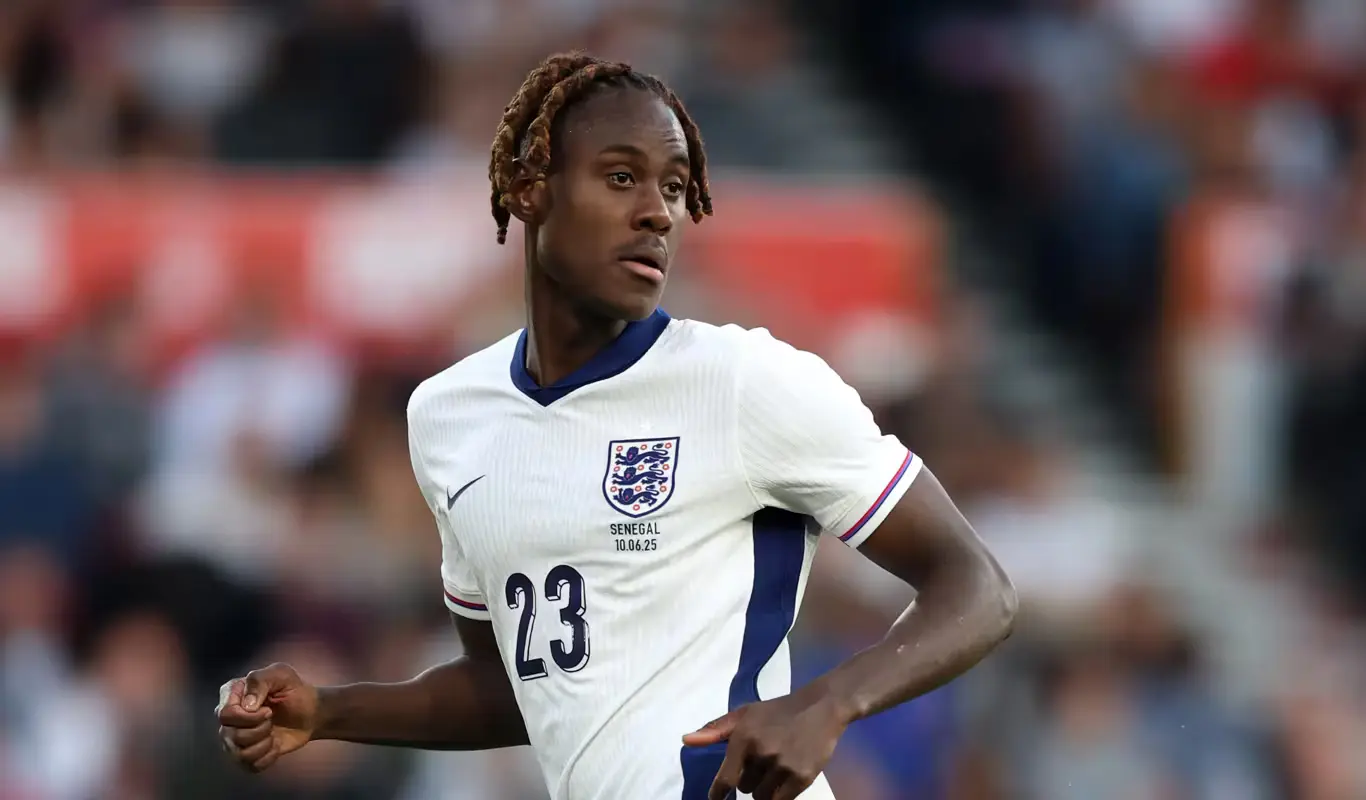
Where to watch World Cup 2026 in the UK
UK coverage is shared between the BBC and ITV. The broadcasters have divided the 104-match tournament between their television channels and online platforms, with the final shown on both BBC and ITV. ITV matches are available across ITV1, ITV4 and ITVX, while viewers in Scotland can also use STV and STV Player. BBC selections are available through BBC television and BBC iPlayer.
ITV has two of England's three group-stage matches: the opening game against Croatia and the final group fixture against Panama. BBC has England against Ghana. Always confirm the exact television channel and coverage start time on the broadcaster's programme guide, because pre-match coverage begins before the listed kickoff.
Try EasyFlixTV Free for 24 Hours First
Before choosing a plan, you can test EasyFlixTV on your Smart TV, Firestick, Android box, X96, phone or tablet. Check the channels, streaming quality and setup first, then continue only if it works well for you.
Where to watch World Cup 2026 in Ireland
RTÉ is providing extensive free-to-air coverage in Ireland. RTÉ Player is streaming all 104 matches live, while television coverage appears across RTÉ's channels, including RTÉ2 for many live games. RTÉ Sport also carries highlights, reports and digital coverage.
Before a match, sign in to RTÉ Player if required, update the app and test a live programme. Do not wait until kickoff to discover that the device needs an update or that the account session has expired. If an older Smart TV no longer supports the latest app, a Firestick, Google TV or Android TV device may be the simplest upgrade.
England's World Cup 2026 group-stage schedule
England is in Group L with Croatia, Ghana and Panama. The North American host cities create evening starts for UK and Irish viewers, which is helpful compared with the very late times attached to some other tournament fixtures.
| Fixture | Date | UK and Ireland time | Broadcaster in the UK |
|---|---|---|---|
| England vs Croatia | June 17 | 21:00 | ITV |
| England vs Ghana | June 23 | 21:00 | BBC |
| Panama vs England | June 27 | 22:00 | ITV |
The listed times are kickoff times. Open the official stream at least 15 to 30 minutes earlier so you can confirm the picture, sound and account access before the match begins.
Best Smart TV setup for BBC iPlayer, ITVX and RTÉ Player
Samsung Smart TV
Open the Samsung Apps area and confirm that BBC iPlayer, ITVX or RTÉ Player is installed and current. Older televisions may have limited storage, so remove unused apps and restart the TV. Test live video rather than only an on-demand programme, because live playback can use a different delivery path.
LG Smart TV
On LG webOS, check the Content Store for the official app. If a broadcaster app is no longer available for your model, do not install unknown files from unofficial websites. A modern external streamer is normally safer, faster and easier to keep updated.
Sony, TCL, Hisense and Android TV
Google TV and Android TV models generally offer broad app support. Keep some free storage, close unused applications and restart the television or streaming box before an important game. A current app and stable network matter more than premium hardware.
Our IPTV app comparison explains the difference between a player app, a broadcaster app and a content service.
Firestick setup for World Cup matches
Firestick is useful when a television is still working well but its built-in apps are slow or unsupported. Use the original power adapter rather than the TV's USB port, because weak power can cause restarts, frozen menus and unstable playback.
- Restart the Firestick before the match.
- Install pending Fire OS and app updates.
- Keep enough free storage for temporary files.
- Set video resolution to Auto rather than forcing 4K.
- Open BBC iPlayer, ITVX or RTÉ Player early and test live playback.
If the Firestick is hidden behind the television, a short HDMI extender can improve Wi-Fi reception by moving it away from the TV's metal casing.
Internet speed: stability matters more than the headline number
Live football does not behave exactly like an on-demand film. The player cannot build a large buffer without falling behind the action, so packet loss, unstable Wi-Fi and network congestion are especially noticeable.
- Use Ethernet where possible: it removes most Wi-Fi interference.
- Use 5 GHz Wi-Fi nearby: it is usually faster and less crowded at short range.
- Pause downloads: games, cloud backups and operating-system updates can consume bandwidth.
- Restart the router early: do it 30 to 60 minutes before kickoff.
- Avoid weak repeaters: an overloaded extender can add delay and packet loss.
For a full troubleshooting sequence, read our IPTV buffering fix guide .
How much broadband speed do you need?
These practical targets assume that the bandwidth is actually reaching the viewing device:
- Standard definition: roughly 5–10 Mbps.
- HD: roughly 10–20 Mbps.
- Full HD: roughly 20–30 Mbps.
- 4K: around 40 Mbps or more.
Do not force 4K because the television supports it. A stable HD stream is better than a sharper picture that freezes during a goal.
Matchday checklist: 30 minutes before kickoff
- Confirm the kickoff time and broadcaster.
- Open the official broadcaster app and sign in.
- Test a live channel or live programme.
- Restart the TV, streaming device and router.
- Use Ethernet or strong 5 GHz Wi-Fi.
- Pause downloads and unused streams around the home.
- Check the sound output, HDMI input and remote batteries.
- Open the match 15 to 30 minutes before kickoff.
How to fix buffering during a match
Lower the picture quality
Change from 4K or Full HD to Auto or standard HD. This reduces the bandwidth requirement immediately and is often the quickest fix.
Close and reopen the app
Returning to the home screen may leave the app running in memory. Close it fully, reopen it and reload the official live stream.
Test another device
If the match works on a phone connected to the same Wi-Fi but not on the TV, focus on the television app, streaming device or local signal. If every device has the same issue, check the router, broadband connection and broadcaster status.
Switch to Ethernet
A temporary cable is a useful diagnostic tool. If Ethernet fixes the stream, Wi-Fi interference, distance or an overloaded extender is likely to blame.
Late-night matches and replay planning
North American time zones mean some matches begin late in the UK and Ireland. If you plan to watch a replay the next morning, disable score alerts, avoid social media and do not open sports news homepages. Broadcaster apps may show the result in thumbnails, so use a direct replay link or a profile with notifications turned off when possible.
Watching on mobile data
A full match at high quality can use several gigabytes. Check your data allowance, select Auto quality and keep the phone charged. Public Wi-Fi may require a browser sign-in before apps can connect and may become congested during major events.
Audio delay and picture settings
Bluetooth speakers can add noticeable latency. If commentary and crowd noise arrive after the picture, use the TV speakers or an HDMI-connected soundbar. Keep motion smoothing moderate because aggressive processing can create strange outlines around players and the ball.
Responsible streaming and regional availability
IPTV is a technology used by broadcasters, telecom providers and legitimate streaming services to deliver video over an internet connection. Use only authorised broadcasters and respect the rules that apply in your location. EasyFlixTV provides device setup and troubleshooting information and does not guarantee access to any specific copyrighted match, channel or event.
Try EasyFlixTV Free for 24 Hours First
Before choosing a plan, you can test EasyFlixTV on your Smart TV, Firestick, Android box, X96, phone or tablet. Check the channels, streaming quality and setup first, then continue only if it works well for you.
Frequently asked questions
Where can I watch World Cup 2026 in the UK?
Coverage is shared between BBC and ITV, with streaming through BBC iPlayer and ITVX. STV and STV Player carry ITV coverage in Scotland.
Where can I watch in Ireland?
RTÉ Player is streaming all 104 matches live, with extensive free-to-air coverage across RTÉ television.
What time is England vs Ghana?
The match is scheduled for Tuesday, June 23 at 21:00 in the UK and Ireland.
What time is Panama vs England?
The match is scheduled for Saturday, June 27 at 22:00 in the UK and Ireland.
Can I watch on an older television?
Yes. Connect a supported Firestick, Google TV or Android TV device through HDMI and install the official broadcaster app.
What is the best way to prevent buffering?
Use Ethernet or strong 5 GHz Wi-Fi, stop background downloads, restart the router and device, and test the official stream before kickoff.
Need help preparing your device before a World Cup match?
Message EasyFlixTV on WhatsApp and tell us whether you use a Smart TV, Firestick, Android TV, phone or computer. We can help with general setup, Wi-Fi checks and playback troubleshooting.
Message EasyFlixTV on WhatsApp