5 App Not Working? UK Fix for Fire TV, Samsung TV, LG TV, Roku and Smart TVs
The 5 app, previously known to many viewers as My5, is used for Channel 5 catch-up, live TV and box sets. If it freezes on Fire TV, disappears from an older Samsung TV, refuses to update, or buffers on a Smart TV, this UK guide gives you a clean order of fixes before you reset everything.
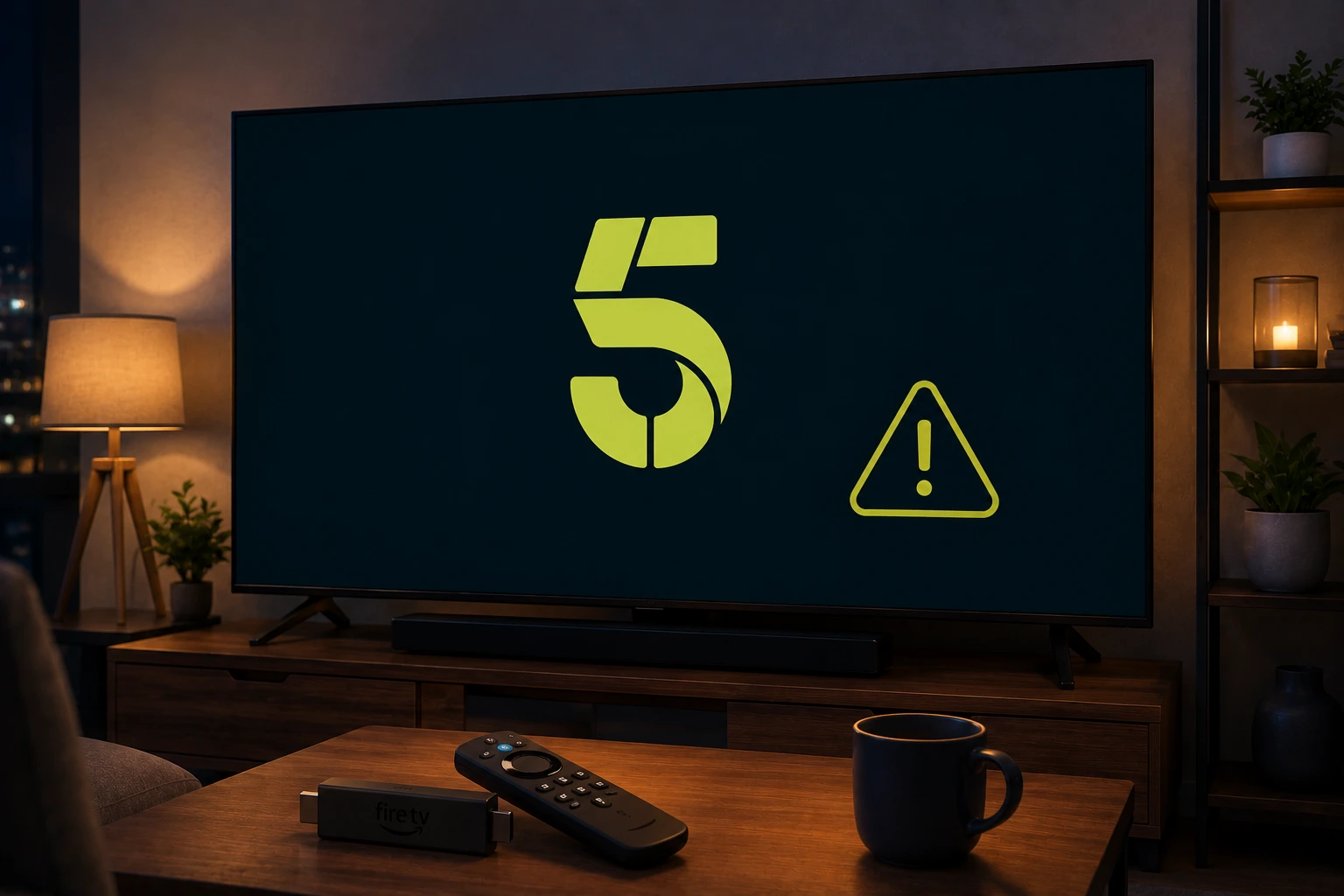
Quick answer: If the 5 app is not working, check whether your TV model is still supported, update or reinstall the app, restart the device, test another programme and improve Wi-Fi. On Fire TV, a clean reinstall may be needed when the app update gets stuck.
UK setup note: Test the official app first, then check your device, Wi-Fi and account. Avoid unknown APKs or random free stream sites; they can be unstable and unsafe.
Start with the support and device check
Channel 5 support has warned that app support can change on older TV platforms. That means the fix is not always a normal restart; sometimes the device is no longer supported by the current app.
Before changing router settings, check the exact device: Samsung TV year, Fire TV model, Roku, LG TV, Android TV or mobile. If the same account works on your phone but not the TV, the problem is likely device support or app storage.
Fire TV: update or reinstall the 5 app cleanly
On Fire TV, go to Settings, Applications, Manage Installed Applications and choose the 5 app. Try Force Stop and Clear Cache first. If the app still will not update or opens to an error, uninstall it, restart Fire TV and install the latest version from the Amazon Appstore.
This clean reinstall approach is useful when the Fire TV keeps an old app version or the update process fails. Make sure you know your account login before removing the app.
Samsung TV: check the model year
If the 5 app has disappeared from a Samsung TV, check the TV year. Channel 5 has stated that the app closed on Samsung TVs from 2016 and earlier because the older operating-system technology no longer supports the current app features properly.
For affected older TVs, a factory reset is unlikely to restore long-term support. A modern streaming stick is usually a better solution.
LG, Roku and Smart TV playback errors
If the app opens but a programme will not play, test another show and another app. If every app fails, restart the router and the TV. If only the 5 app fails, reinstall the app if available and check for a service issue.
Live TV disappearing from some platforms can be a rights, app or device-support issue. Use the official help centre to check whether your device still supports the feature you want.
Fix buffering without changing every setting
Buffering is often home-network related. Move the device closer to the router, use 5 GHz Wi-Fi where possible, pause game downloads and restart the router before a long evening of streaming.
If the app plays adverts but freezes before the programme, clear cache and check storage. If video starts then drops quality, your Wi-Fi may be unstable even if speed tests look fine.
Keep a backup for UK catch-up TV
For UK homes, the practical setup is to keep BBC iPlayer, ITVX, Channel 4, 5, Freeview Play/Freely and NOW tested before big viewing nights. Do not wait until a live programme starts to discover that a login has expired.
A spare device such as Fire TV or Roku can save an older Smart TV that has lost app support.
Try EasyFlixTV Free for 24 Hours First
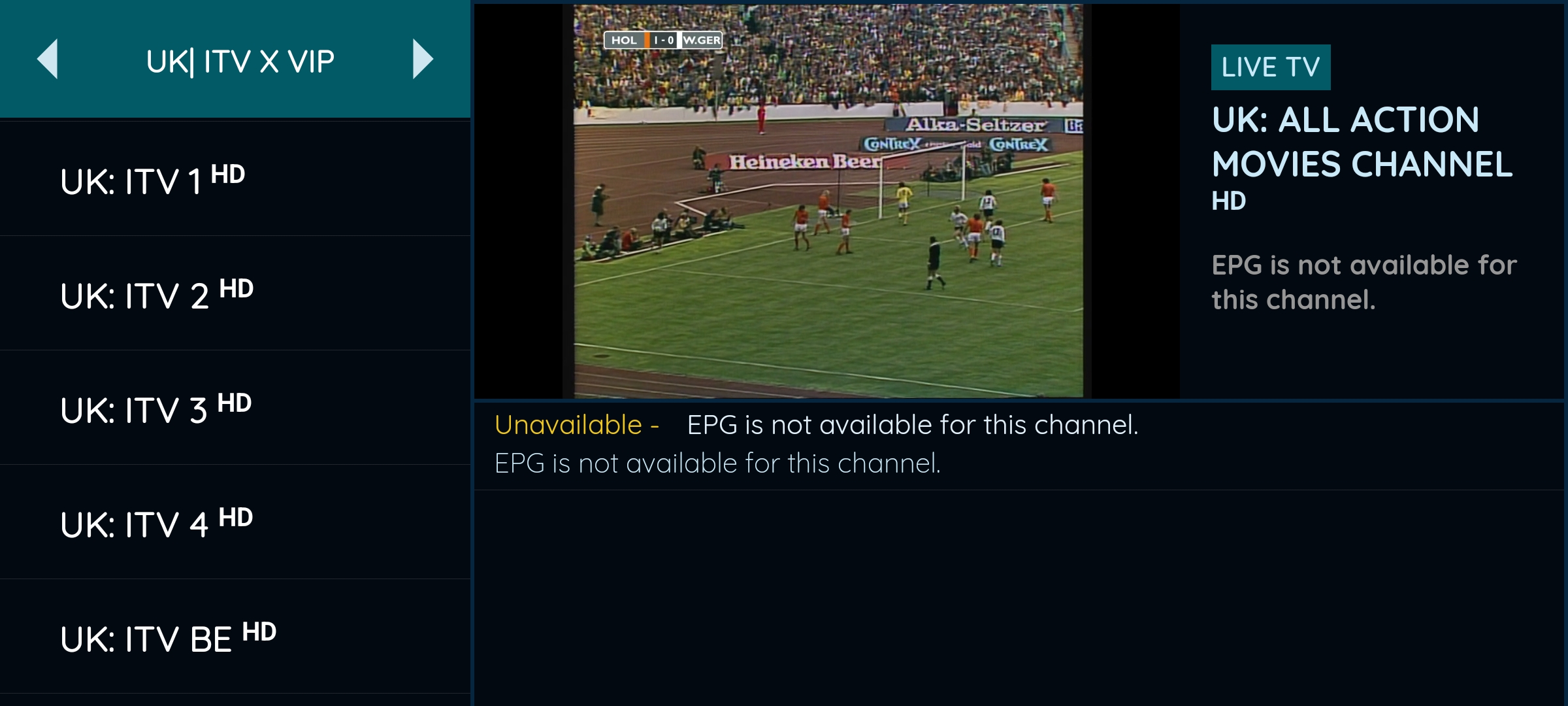
Before choosing a plan, you can test EasyFlixTV on your Smart TV, Firestick, Android box, X96, phone or tablet. Check the channels, streaming quality and setup first, then continue only if it works well for you.
Simple match-night checklist
- Open the app 30–60 minutes before the programme or live event.
- Confirm the account is signed in and the right membership or access is active.
- Restart the TV, Fire TV, Roku or Android TV device before testing.
- Use 5 GHz Wi-Fi near the router or Ethernet where possible.
- Keep a backup device ready, such as a phone, tablet or laptop with HDMI.
Related UK streaming guides
- BBC iPlayer Not Working on Smart TV? UK Fix
- ITVX Not Working on Firestick, Roku or Smart TV?
- Freeview Play vs Freely: UK TV Setup Guide
- Premier League UK Streaming Guide
Official sources to check
Frequently asked questions
Why is the 5 app not working on Fire TV?
The app may need a clean update, cache clear, reinstall or Fire TV restart. Remove the old app only if you can sign in again afterwards.
Why has the 5 app disappeared from my Samsung TV?
Channel 5 says the app has closed on Samsung TVs from 2016 and earlier because the older operating systems do not support the current app features properly.
Is My5 the same as the 5 app?
Many viewers still say My5, but Channel 5 now uses the 5 branding for its streaming app and service.
Why does the 5 app buffer but other apps work?
It can be app cache, advert loading, device storage, weak Wi-Fi near the TV or a temporary service problem. Clear cache, restart and test another programme.
Is EasyFlixTV an official Channel 5 service?
No. EasyFlixTV is independent and publishes setup help. Use the official 5 help centre for account and app support.
Final thoughts
Most UK streaming app issues can be narrowed down quickly when you separate account access, device support and home Wi-Fi. Start with official app support, keep your device updated and test your setup before an important live programme.
Need help with your UK streaming setup?
Message EasyFlixTV with your device model and the app problem. We can help you check Smart TV, Fire TV, Roku, Android TV or mobile setup before you choose a plan.
Message EasyFlixTV on WhatsAppContact on Telegram