NOW Sky Sports Not Working on Firestick? UK Fix for App, Login, Casting and Buffering
NOW is a common way for UK viewers to stream Sky Sports without a traditional satellite contract. But on matchday, the app can still fail: login loops, membership messages, black screens, buffering, casting problems or Firestick storage errors. This guide focuses on the practical fixes UK viewers should try before kick-off.
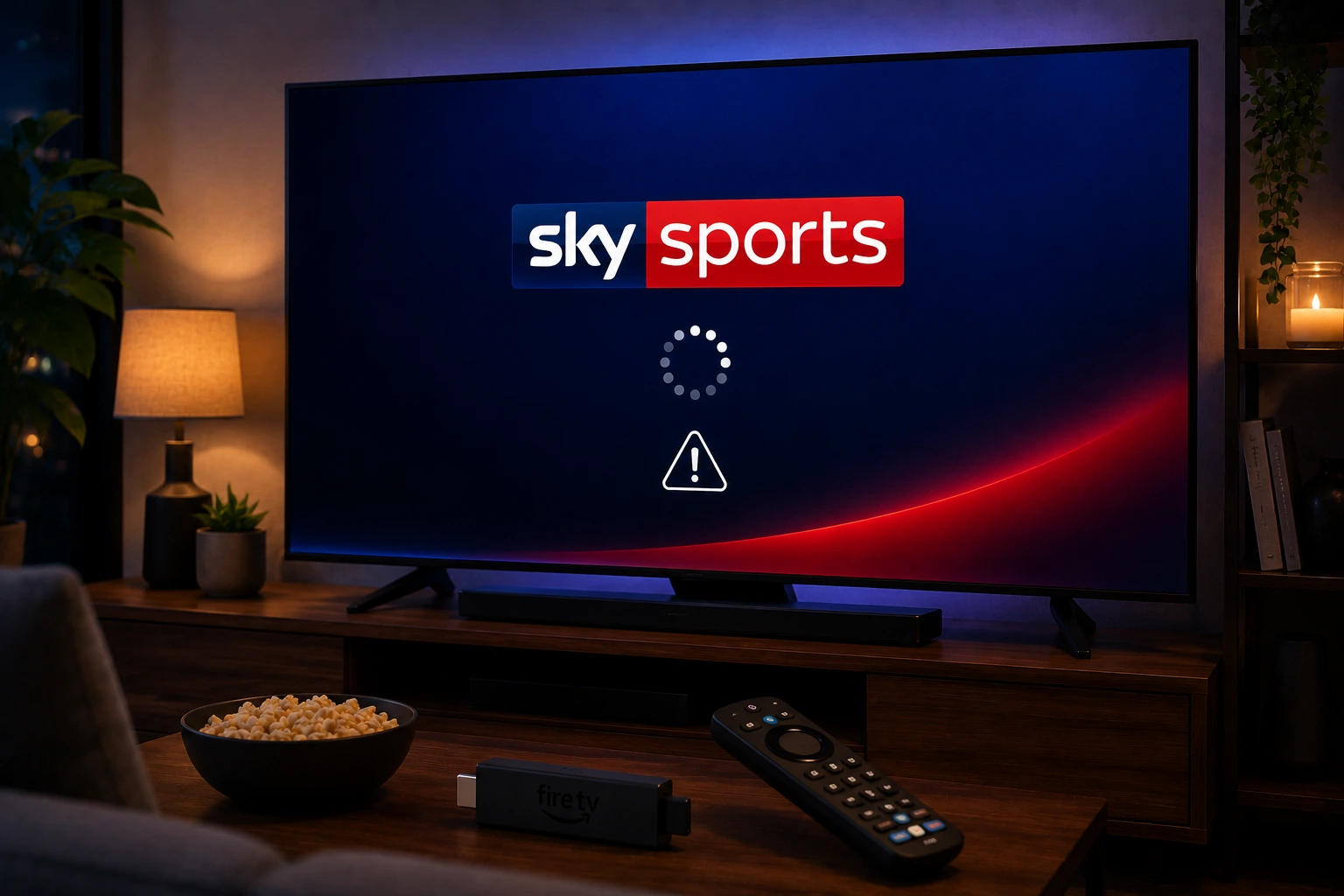
Quick answer: If NOW Sky Sports is not working, confirm your Sports Membership is active, restart the device, update the NOW app, check Firestick storage, test another stream and improve Wi-Fi. For Amazon-billed accounts, check Amazon account help as well as NOW support.
UK setup note: Test the official app first, then check your device, Wi-Fi and account. Avoid unknown APKs or random free stream sites; they can be unstable and unsafe.
Check your NOW Sports Membership first
A streaming error can actually be a membership issue. NOW sells Sports access through Sports Day and Sports Month options, so confirm that your membership is active and that you are signed in with the correct account.
If you bought access through Amazon, your billing or account help path may be different from a membership bought directly from NOW. Check where you purchased before changing the app.
Firestick fix for NOW app problems
On Fire TV, open Settings, Applications, Manage Installed Applications and choose NOW. Force Stop the app, then reopen it. If it still fails, clear cache, restart Fire TV and update the app from the Amazon Appstore.
Low storage is a common Firestick problem. If NOW freezes during live sport, delete unused apps, restart the device and keep it cool. A streaming stick overheating behind the TV can behave like a bad internet connection.
Login loop or QR code not working
If NOW asks you to scan a QR code or enter a TV code, use a phone or computer and sign in with the correct account. Do not use old codes. Generate a fresh code from the TV app after restarting the device.
If the code page fails in the browser, try another browser, turn off extensions temporarily and check your payment or membership status.
Buffering during Premier League, F1 or big events
Live sport stresses Wi-Fi more than on-demand TV. Pause game downloads, cloud backups and big app updates. Use 5 GHz Wi-Fi near the router or Ethernet if your device supports it.
Open NOW 30–60 minutes before kick-off and test a live channel or sports stream. Do not wait until the first whistle to update the app.
Casting and Smart TV problems
If NOW works on mobile but not when casting, test direct playback on the TV app if available. Casting adds another layer: phone, TV, Wi-Fi, account and app version all have to behave at the same time.
For big sports nights, a direct app on Fire TV, Roku, Samsung, LG or another supported device is usually more stable than last-minute casting.
Avoid unsafe “free Sky Sports” shortcuts
Do not install unknown APKs or use random live-sports links. They can be unstable, unsafe and may expose your device or account to risk. Use official apps and authorised memberships for account support and predictable playback.
If the cost of sports access is the issue, plan legal viewing around day passes, monthly memberships or official highlights instead of risky streams.
Try EasyFlixTV Free for 24 Hours First
Before choosing a plan, you can test EasyFlixTV on your Smart TV, Firestick, Android box, X96, phone or tablet. Check the channels, streaming quality and setup first, then continue only if it works well for you.
Simple match-night checklist
- Open the app 30–60 minutes before the programme or live event.
- Confirm the account is signed in and the right membership or access is active.
- Restart the TV, Fire TV, Roku or Android TV device before testing.
- Use 5 GHz Wi-Fi near the router or Ethernet where possible.
- Keep a backup device ready, such as a phone, tablet or laptop with HDMI.
Related UK streaming guides
- BBC iPlayer Not Working on Smart TV? UK Fix
- ITVX Not Working on Firestick, Roku or Smart TV?
- Freeview Play vs Freely: UK TV Setup Guide
- Premier League UK Streaming Guide
Official sources to check
Frequently asked questions
Why is NOW Sky Sports not working on Firestick?
Common causes include an expired membership, wrong account, outdated NOW app, low Firestick storage, weak Wi-Fi or a temporary app/service issue.
How do I fix NOW buffering during live sport?
Restart the router, use 5 GHz Wi-Fi or Ethernet, pause downloads, update the app early and keep the Firestick from overheating behind the TV.
Why does NOW keep asking me to sign in?
Your TV app session may have expired or the code may be old. Restart the app, generate a fresh code and sign in with the account that has the active Sports Membership.
Can I watch Sky Sports on NOW without a dish?
Yes, a NOW Sports Membership lets UK viewers stream Sky Sports channels through compatible devices without a satellite dish.
Is EasyFlixTV official NOW or Sky support?
No. EasyFlixTV is an independent setup guide. Use NOW help for official membership, payment and account support.
Final thoughts
Most UK streaming app issues can be narrowed down quickly when you separate account access, device support and home Wi-Fi. Start with official app support, keep your device updated and test your setup before an important live programme.
Need help with your UK streaming setup?
Message EasyFlixTV with your device model and the app problem. We can help you check Smart TV, Fire TV, Roku, Android TV or mobile setup before you choose a plan.
Message EasyFlixTV on WhatsAppContact on Telegram